
AI & automation · Insights
- claude ai for work
- ai assistants everyday tasks

AI assistants such as ChatGPT, Claude and Google Gemini have moved from curiosity to everyday tool for many professionals. Used well, they can save real time on writing, summarising, planning and analysing information. Used carelessly, they can produce confident mistakes, leak sensitive data or make your communication sound generic.
This guide is for business owners, administrators, teachers, pharmacists and professionals in Cameroon and across Africa who want practical results without technical jargon. It covers what these assistants are good at, how to ask for what you need, and where you must stay careful.
ChatGPT, Claude and Gemini: which one should you use?
All three are general-purpose AI assistants that you use by typing (or speaking) a request. Each has free and paid options, and features change often. In practice, the differences that matter for everyday work are smaller than people think. The skill of asking clearly and checking the result matters far more than the brand.
- ChatGPT (from OpenAI) is widely used, flexible and good for drafting, brainstorming and working with files.
- Claude (from Anthropic) is often chosen for long documents, careful writing and following detailed instructions.
- Gemini (from Google) connects naturally with Google services that many businesses already use.
A sensible approach is to try the same task in two assistants for a week and keep the one that suits your work and your budget.
Everyday tasks where AI assistants help
Writing and emails in English and French
This is the most immediate win for bilingual organisations. You can write a rough message in the language you are most comfortable with and ask the assistant to produce a polished version in English, French or both. Ask it to keep the tone formal for ministries and partners, warmer for parents or customers, and short for WhatsApp. Always read the result: check names, titles, dates and amounts, and adjust phrases that do not sound like you.
Summarising long documents
Paste or upload a report, circular, contract or meeting transcript and ask for a one-page summary, a list of decisions and deadlines, or the five points a manager needs to know. For important documents, ask the assistant to quote the exact passage that supports each point so you can verify it quickly.
Planning and organising
Assistants are good at turning a vague goal into a structured plan: a term calendar for a school, a launch checklist for a new product, a weekly content plan for social media or an agenda for a staff meeting. Give it your real constraints (budget, number of staff, dates, public holidays) so the plan is realistic.
Branding and marketing ideas
Use AI to generate name options, slogans, social media captions, flyer text or questions for a customer survey. Treat the output as raw material. Strong branding still needs a human who understands your market, and a professional designer to turn ideas into a coherent visual identity.
Spreadsheets and simple analysis
If you struggle with Excel or Google Sheets formulas, describe what you want in plain language: 'In column D, show the total sales for each staff member from columns A to C.' The assistant can write the formula and explain it. Many assistants can also read a spreadsheet you upload and describe trends, but double-check any calculation that matters.
Research and learning
Assistants can explain a concept, compare options or help you prepare questions before meeting a supplier or consultant. Some can search the web and give sources. Always open those sources and confirm the information, especially for laws, tax rules, medical information and prices, which change and vary by country.
Building simple websites and tools
AI can now help non-programmers create a simple landing page, a form or a small script. This is useful for prototypes and personal projects. For a business website that must be secure, fast, findable on Google and connected to your domain and professional email, it is still wise to work with people who will maintain it properly.
How to write prompts that get useful answers
A prompt is simply your instruction. Most disappointing results come from instructions that are too short. Think of the assistant as a capable new colleague who knows nothing about your organisation.
- Give context: who you are, who the audience is and why the task matters.
- State the task clearly: draft, summarise, translate, compare, list or correct.
- Specify the format: length, tone, language, bullet points or a table.
- Provide examples or source material: a previous letter you liked, the document to summarise, or the data to analyse.
- Iterate: reply with corrections such as 'shorter', 'more formal', 'remove the second paragraph' or 'now in French'.
Limits you must understand
AI assistants generate text that sounds right; they do not guarantee that it is right. They can invent facts, references, figures or quotations, a problem often called hallucination. They may be unaware of recent events or local Cameroonian rules. They can also reflect biases found in the material they learned from.
- Verify every fact, name, number and date before sending or publishing.
- Never rely on an assistant alone for medical, legal, financial or safety decisions.
- Keep a human responsible for the final version of anything that leaves your organisation.
- Watch for generic wording that could make your communication sound like everyone else's.
Privacy and confidentiality
Anything you type into an AI tool is sent to an external service. Read the privacy settings of the tool you use and check whether your conversations may be used to improve the service. As a rule, do not paste information you would not send to an outside contractor.
Bringing AI into your team
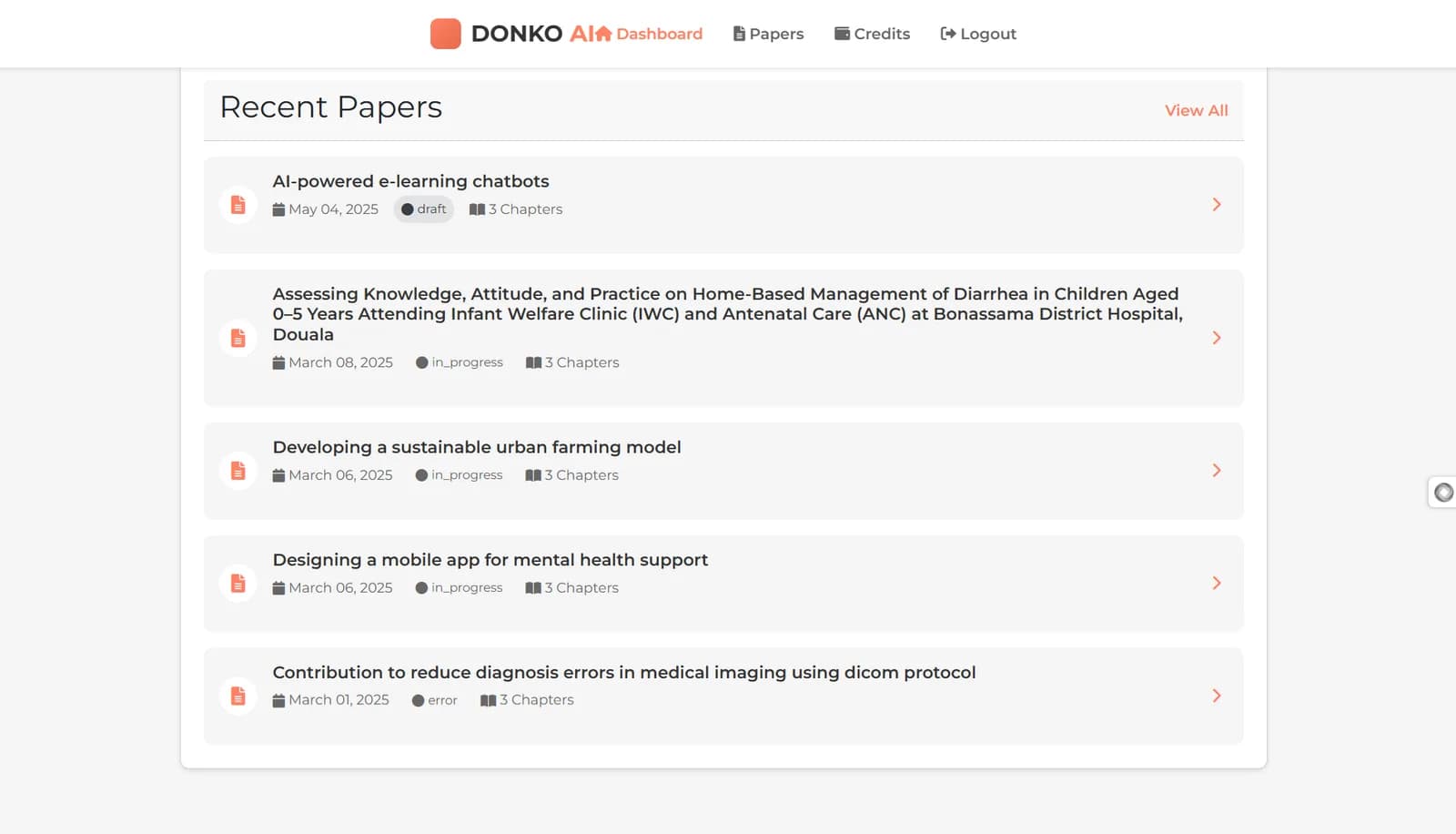
Individual use is a good start, but organisations benefit most when they agree on simple rules: which tools are approved, what data may be used, who reviews outputs and how good prompts are shared. Start with two or three repeated tasks, measure the time saved and expand from there. When a workflow is valuable enough, it can be turned into a dedicated tool connected to your own data, which is the kind of work MOGADONKO does in AI, data and automation projects such as DONKO AI and VISIHEN.
Frequently asked questions
Is ChatGPT or Claude better for business writing?
Both handle business writing well. Claude is often preferred for long documents and detailed instructions, ChatGPT for flexibility and file work. Test both on your real tasks and choose the one that fits your work.
Can ChatGPT write professional emails in French?
Yes. ChatGPT, Claude and Gemini can draft and translate professional emails in French and English. Review names, titles and formal expressions before sending, as automatic phrasing is not always natural.
Is it safe to put company data into ChatGPT?
Only data you would share with an outside contractor. Avoid personal records, financial details and passwords. Check the tool's privacy settings and consider business plans with stronger data controls.
Do I need to pay for an AI assistant?
Free versions are enough to learn and handle many tasks. Paid plans usually offer stronger models, larger file limits and more usage. Start free and upgrade when you know what you need.
Where can I learn to use AI tools in Cameroon?
MOGADONKO Academy in Douala offers practical training on using AI assistants such as ChatGPT and Claude for everyday work. Contact hi@mogadonko.com or WhatsApp +237 651 160 704.