
Digital presence · Insights
- google maps listing douala
- get found on google cameroon

When someone in Douala, Yaoundé or Buea needs a pharmacy, a school, a painter or a printing shop, many of them now open Google or Google Maps and type what they need followed by 'near me'. The businesses that appear in that small map box at the top of the results get the calls, the directions requests and the WhatsApp messages. The businesses that do not appear are invisible at the exact moment a customer is ready to act.
The free tool that controls this visibility is Google Business Profile, previously called Google My Business. This guide explains, step by step, how a Cameroonian business can set up, verify and maintain a profile that actually helps people find it, trust it and contact it.
What a Google Business Profile does for you
A Google Business Profile is the public listing Google shows when people search for your business name or for the type of service you offer in your area. It can display your name, category, address or service area, opening hours, phone number, website, photos, reviews, questions and short updates. On Google Maps it gives people a pin they can navigate to, which matters in cities where street addresses are often described by landmarks rather than numbers.
For many small and medium businesses in Cameroon, the profile is seen by more people than the website itself. It is often the first impression. A complete, accurate profile with recent photos and genuine reviews tells a customer that the business is real, open and reachable.
Setting up the profile correctly
Create the profile from a Google account that the business controls, ideally one linked to a professional email address on your own domain rather than a staff member's personal Gmail. If a developer or agency helps you, ask them to add you as the owner and themselves as a manager. Ownership should stay with the business.
Choose the right business name
Use your real-world business name exactly as it appears on your signboard, letterhead and documents. Do not add extra keywords such as 'Best Pharmacy Douala Cheap Prices' to the name. Google's guidelines discourage this, and profiles that stuff keywords into the name risk being suspended.
Pin your location precisely
If customers visit you, enter the address as clearly as possible and then drag the map pin to the exact building. In neighbourhoods such as Bonaberi, Akwa or Bonamoussadi, include a recognised landmark in the address line where it helps people find you. If you serve customers at their location (for example painters, technicians or caterers) and do not receive visitors, choose a service area and hide your street address.
Pick categories with care
The primary category is one of the strongest signals Google uses to decide when to show your profile. Choose the most specific option that describes your main activity: 'Pharmacy' rather than 'Store', 'Private university' rather than 'School' if that is accurate. You can then add a few secondary categories for other genuine services. Avoid adding categories for things you do not really offer.
Getting verified
A profile is not fully visible or editable until Google verifies that you really operate the business. Google decides which verification methods to offer, and the options can differ from one business to another. Depending on your situation you may be asked to record a short video, receive a code by phone or email, or use another method shown in your dashboard.
- Prepare evidence before you start: your signboard, the street or landmark around you, the inside of your premises and something that shows you manage the business, such as keys, equipment or documents.
- If video verification is offered, record one continuous clip that moves from the outside of the building, showing the signboard and surroundings, to the inside where you operate.
- Make sure the name, address and category in the profile match what appears in the video.
- Submit, then wait. Review times vary, so avoid editing the name or address repeatedly while verification is pending, as this can restart the process.
NAP consistency: name, address and phone everywhere
NAP stands for name, address and phone number. Google compares the details on your profile with what it finds elsewhere online: your website, Facebook page, directories, and mentions in news or partner sites. When these details agree, Google has more confidence in your listing.
- Use exactly the same business name format everywhere, including capital letters and abbreviations.
- Write your address in the same way on your profile, website footer and social media pages.
- Use one main phone number in international format, for example +237 followed by the number, and make sure it is answered during opening hours.
- If your WhatsApp number is different, list it clearly on your website and in your profile description rather than replacing the main number.
- Update every listing at once when you move or change numbers.
Photos, descriptions and posts that build trust
Photos
Upload real photos taken in good light: the exterior with your signboard, the entrance, the interior, your team at work and examples of your products or completed jobs. A logo and a cover image help with recognition. Stock images add little because customers want to see what they will actually find when they arrive. Add new photos regularly, especially after renovations or when you launch a new service.
A bilingual description
Cameroon is a bilingual country, and your customers may search in English or French. Write a clear description that explains what you do, who you serve and where you are, then include a short French version (or English, if your main audience is francophone). Keep it factual. Mention key services naturally instead of repeating keywords, and do not include links or promotional claims you cannot support.
Posts and updates
Posts let you share news, offers, events and announcements directly on your profile. A school can announce registration periods or open days. A pharmacy can share opening hours on public holidays. A painting company can show a recently completed project. Regular, useful posts show that the business is active.
Reviews: how to earn them and how to respond
Reviews influence both ranking and trust. The best way to get them is simply to ask satisfied customers at the right moment, for example after a successful delivery or a completed job. You can share your review link by WhatsApp or print it as a QR code at your counter.
- Never buy reviews or write reviews for your own business. It breaks Google's rules and can lead to removed reviews or a suspended profile.
- Reply to every review, positive or negative, politely and in the language the customer used.
- For a negative review, acknowledge the issue, avoid arguments in public and invite the person to continue the conversation by phone or email.
- Use repeated complaints as operational feedback, not only as a reputation problem.
Linking your profile to a real website
A Google Business Profile works best when it points to a fast, mobile-friendly website on your own domain. The website gives Google more information about your services and gives customers somewhere to go for details, booking forms, programmes or prices. It should repeat the same name, address and phone number shown on the profile and include a map or clear directions.
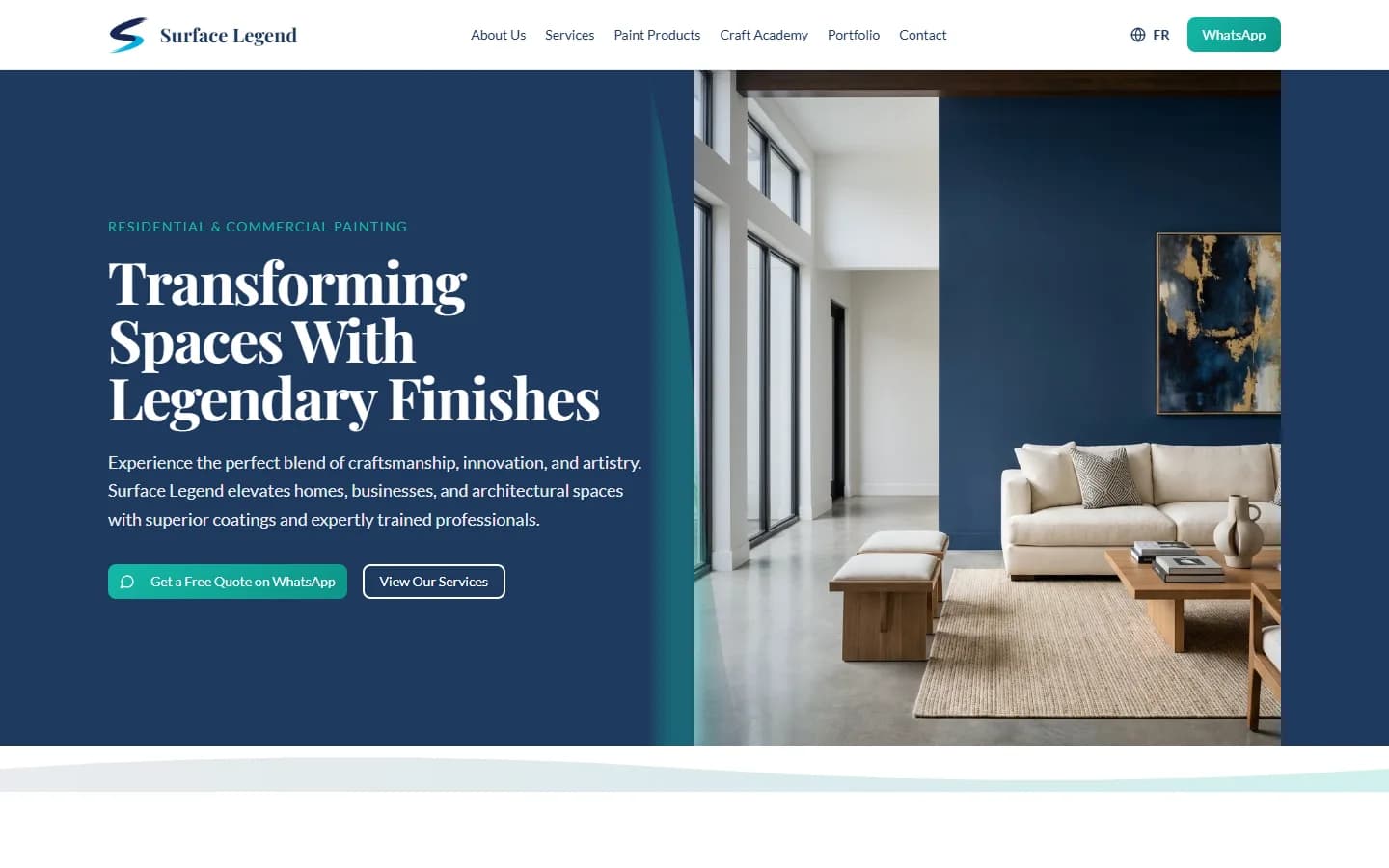
When we built the website for Emergence Bilingual University Institute, we also set up its domain, hosting, professional email addresses and Google Business Profile with a Google Maps listing, so that the institution's search presence, website and contact details all work together. We followed the same approach for Surface Legend, a painting company, where the website includes a booking form and a gallery of completed work.
Keeping your profile healthy
A profile is not something you set up once and forget. Check it at least monthly. Update holiday hours, answer questions, reply to reviews, add photos and confirm that nobody has suggested incorrect edits. Google sometimes accepts changes suggested by the public, so it is worth reviewing the profile regularly to ensure the details are still yours.
Frequently asked questions
Is Google Business Profile free in Cameroon?
Yes. Creating and managing a Google Business Profile is free. You only pay if you choose to run Google Ads or hire someone to set up and maintain the profile for you.
How long does Google Business Profile verification take?
It varies. Some businesses are verified quickly, while video reviews can take several days or longer. Avoid editing key details while verification is pending, as this may restart the review.
Can I list my business on Google Maps without a street address?
Yes. If you serve customers at their location, set a service area and hide your address. If customers visit you, place the map pin on your exact building and use a clear landmark in the address.
Why is my business not showing on Google Maps?
Common reasons include an unverified profile, a wrong or vague category, inconsistent details across the web, a misplaced pin, a duplicate listing or a suspension for breaking guidelines such as keyword stuffing in the business name.
Should my profile description be in English or French?
If you serve both language communities, write a short description in both. Lead with the language most of your customers use and keep both versions factual and consistent.