
Digital presence · Insights
- domain name cameroon
- web hosting cameroon
A website is not a single file that one developer owns forever. It is a combination of assets and services that should remain understandable and recoverable by the organisation paying for them. Many businesses in Cameroon discover this the hard way, when a developer becomes unreachable, a domain expires or professional emails suddenly stop working.
This guide explains, in plain language, the parts that make up a website, what you should own, what questions to ask a provider and how to keep everything working over time.
Your domain is your digital address
The domain name (for example yourbusiness.com or yourbusiness.cm) is the address people type to reach your website and the part after the @ in your professional email. It is rented yearly from a registrar, not bought forever.
The domain should be registered using an account controlled by the organisation or with clearly documented shared access. Record the renewal date, registrar and responsible contact. Losing access to the domain can interrupt the website and every professional email address connected to it.
Choosing a good domain
- Keep it short, easy to spell and easy to say over the phone.
- Avoid hyphens and numbers unless they are part of your brand.
- Consider whether .com, .cm or both fit your audience; protecting both can prevent confusion.
- Enable auto-renewal and keep payment details current.
If a provider registered your domain in the past and you are unsure who holds it, ask them for the registrar name, the account holder and the renewal date now, while the relationship is good. Recovering a domain after it has expired or after a provider has disappeared is slow and sometimes impossible.
Hosting keeps the website available
Hosting provides the computing resources that serve the website. The right choice depends on traffic, website technology, email needs, backups, security and expected growth. The cheapest plan is not always the lowest-risk option, but expensive infrastructure is unnecessary when a simpler managed plan can serve the organisation reliably.
Questions to ask about hosting
- Where are backups stored, how often are they made and how quickly can the site be restored?
- Is an SSL certificate included, so the site loads securely over https?
- Who applies security updates and monitors uptime?
- Can the site and data be moved to another provider if needed?
Speed matters too. Many visitors in Cameroon browse on mobile data, so a lightweight site with optimised images loads faster, costs visitors less and is more likely to be read.
Professional email strengthens trust
An address using the organisation's domain is easier to verify than a personal mailbox. A quotation from contact@yourbusiness.com reads very differently from one sent from a personal free address. Create role-based addresses such as admissions, support, finance or contact so the organisation does not lose its communication history when one staff member leaves.
Professional email also needs correct technical settings behind the scenes so that your messages reach inboxes instead of spam folders. Ask your provider to confirm that the domain's email authentication records are configured, and test by sending messages to a few common providers before announcing new addresses to customers.
A website must guide people toward action
Visitors should quickly understand what the organisation does, who it serves, why it is credible and what to do next. Clear service pages, real project proof, useful articles and visible contact options usually matter more than decorative effects.
- A clear headline that says what you do and where.
- Service or programme pages that answer the questions customers actually ask.
- Proof: a gallery of real work, project descriptions or credentials.
- Obvious contact routes: phone, WhatsApp, email, a form and a map.
- Content in English, French or both, depending on your audience.
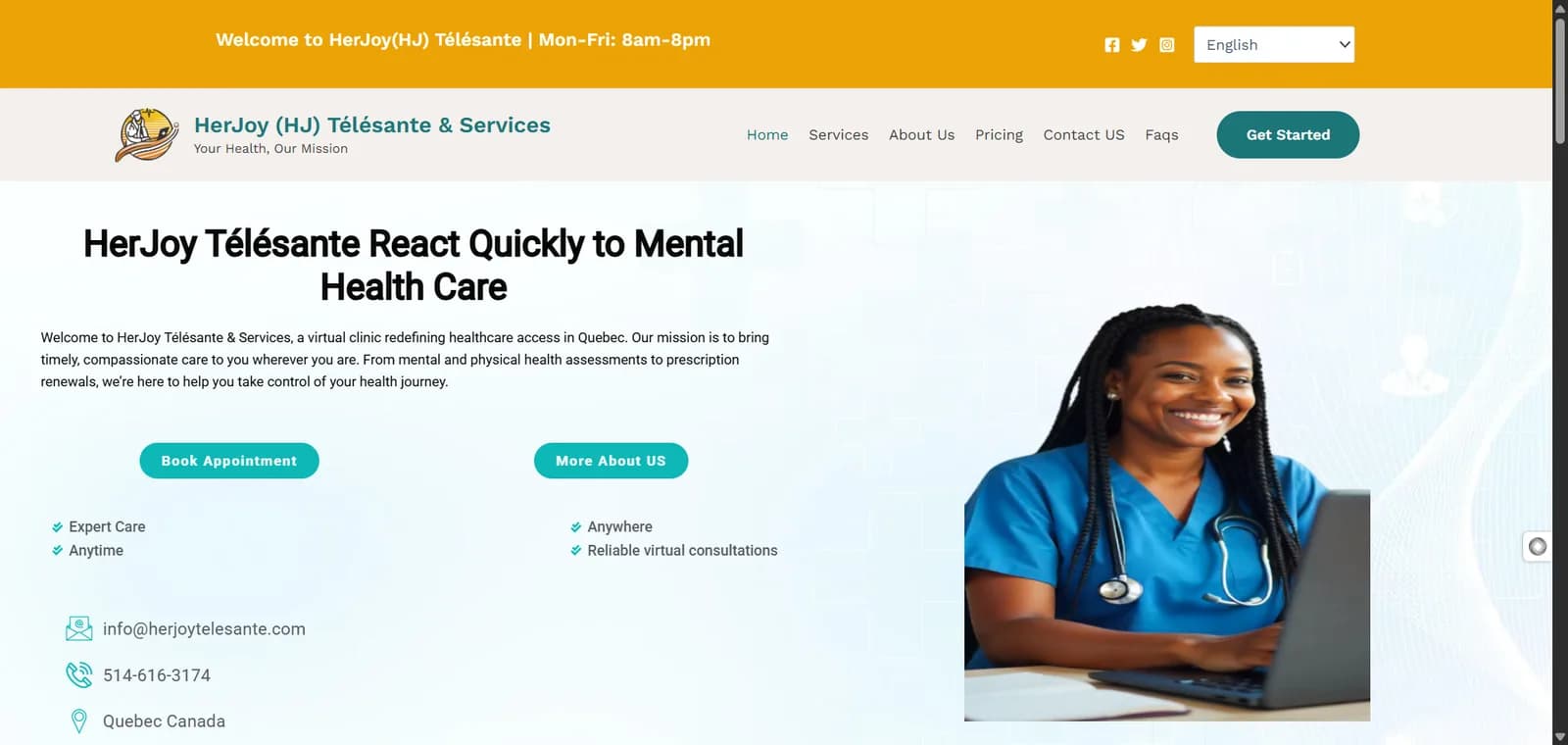
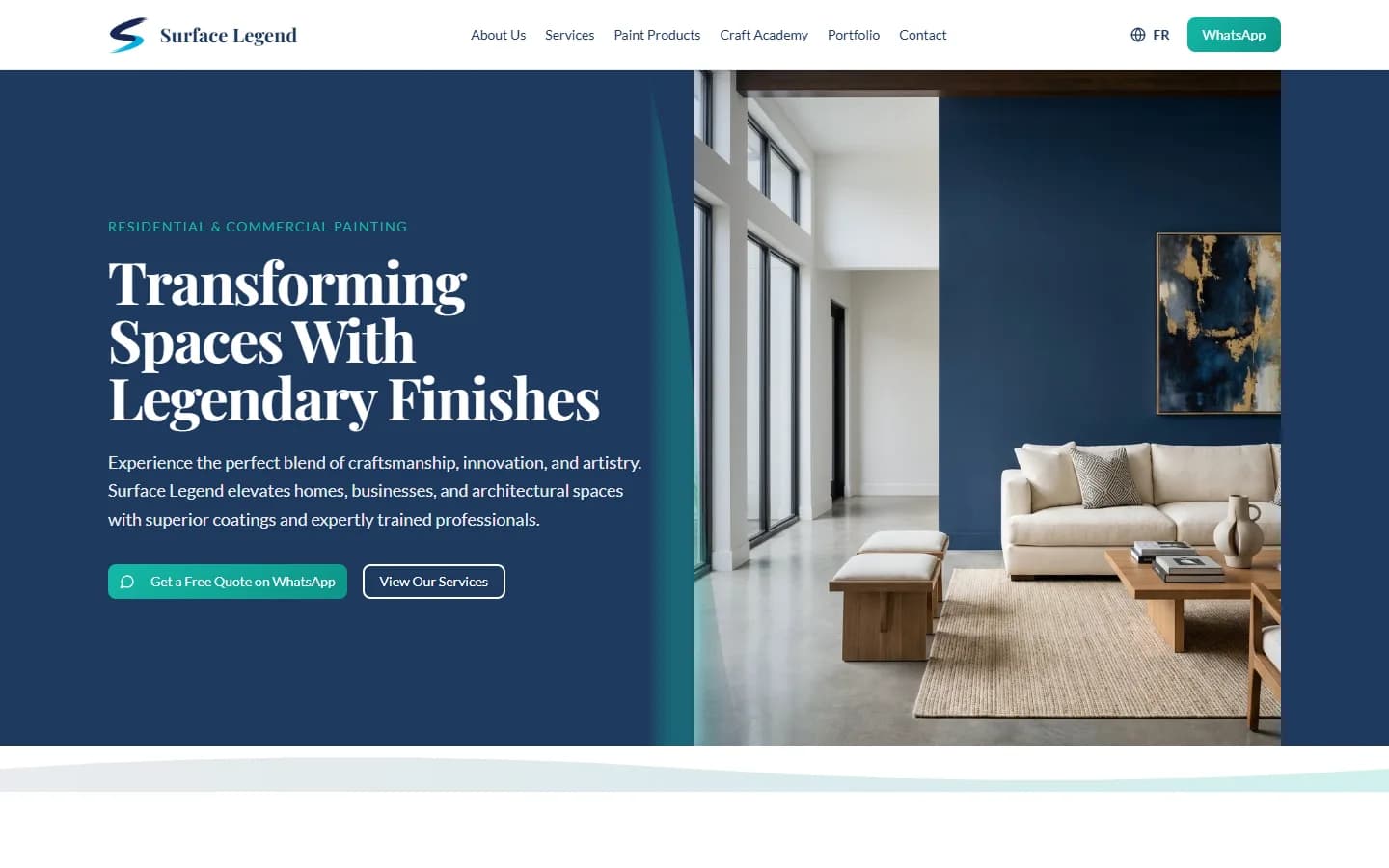
For Surface Legend, a painting company in Cameroon, MOGADONKO handled a rebrand and new logo, then built a website with a booking form and a gallery of completed work, supported by domain, hosting, professional emails and a mix of generated and sourced media. For HerJoy Télésanté, a Canadian telehealth service, the site needed to explain a health service clearly and build trust with an international audience.
Being found on Google
A website should be built so search engines can understand it: clear page titles, descriptive headings, fast loading, mobile-friendly layouts and useful content. For local businesses, a verified Google Business Profile linked to the website is equally important, because it puts the business on Google Maps and in local search results. Keep your name, address and phone number identical on both.
Security basics every website needs
Small organisations sometimes assume attackers are only interested in banks and large companies. In reality, automated tools scan the internet constantly for outdated software, weak passwords and unprotected forms, regardless of who owns the site. A compromised website can be defaced, used to send spam or flagged by browsers as unsafe, which damages trust quickly.
- Use https on every page, with a valid SSL certificate that renews automatically.
- Give each person who manages the site their own login with a strong password, and enable two-step verification where available.
- Remove old administrator accounts and unused plugins or themes.
- Protect contact and booking forms against spam so your inbox stays usable.
- Keep at least one recent backup stored separately from the hosting account.
The same discipline applies to your domain registrar and email accounts. If someone gains access to the registrar account, they can redirect both your website and your email, so protect it as carefully as your bank login.
Maintenance is part of the product
A website that is never updated becomes slower, less secure and less accurate over time. Budget for maintenance from the start rather than treating it as an optional extra.
- Apply security and dependency updates.
- Test contact forms and WhatsApp links.
- Check backups and recovery procedures.
- Refresh projects, services and staff information.
- Review search performance and slow pages.
Choosing a website provider
Before signing, ask the provider to put in writing who will own the domain and hosting accounts, what is included in the price, how changes will be handled after launch, what maintenance costs and how you would recover everything if you change provider. A trustworthy provider will be comfortable answering clearly. Ask to see live websites they have built and check that those sites load quickly on a phone, display correctly and still have working contact details.
MOGADONKO provides domain, hosting, professional email, website development and ongoing maintenance as one coordinated service, with ownership and responsibilities documented from the beginning.
Frequently asked questions
Should my business use a .cm or .com domain?
A .cm domain signals a Cameroonian presence, while .com is widely recognised internationally. Many organisations choose one as the main address and register the other to protect their name.
Who should own my website's domain name?
Your organisation should. A provider can manage it for you, but the registration should be in your name or an account you control, with renewal dates documented.
Do I need professional email if I already use Gmail?
A professional address on your own domain builds trust, keeps communication under the organisation's control and survives staff changes. Personal addresses do not offer those benefits.
How often should a website be updated?
Security updates should be applied as they become available, and content should be reviewed at least every few months, or whenever services, staff, prices or contact details change.
What happens if my domain expires?
Your website and any email addresses on that domain stop working. If it is not renewed in time, someone else may register it, so enable auto-renewal and track the date.